
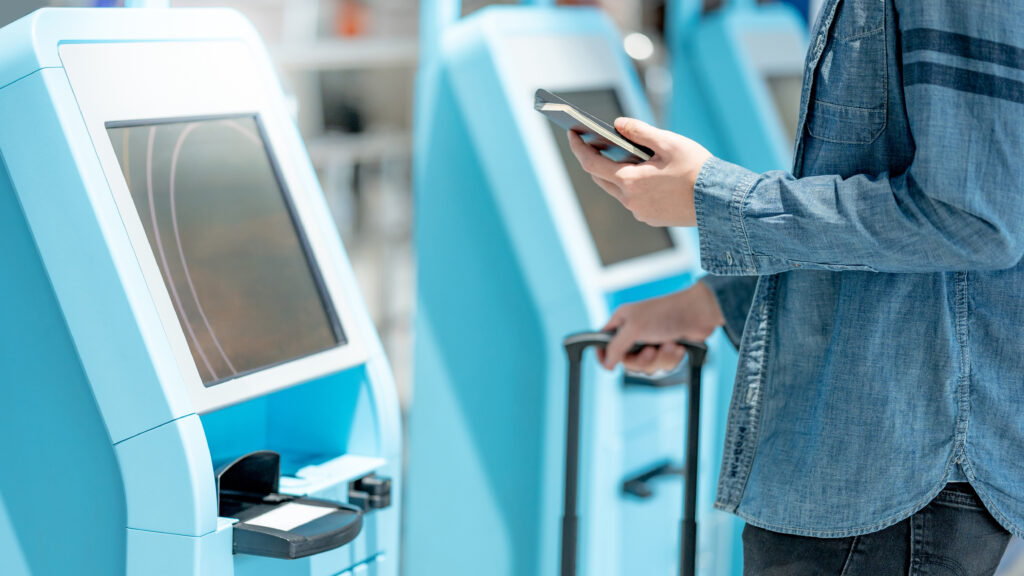
When you adopt biometric attendance, one of the first practical choices is how employees will actually clock in: at a shared kiosk or terminal, or on their own personal devices. Both work well — the right answer depends on your workplace.
The case for shared kiosks
- Ideal for a single entrance or a defined work site
- No reliance on employees having or using a personal phone
- A clear, consistent clock-in point everyone passes
- Well suited to factories, warehouses and offices with controlled access
The case for personal devices
- Perfect for mobile, field and distributed teams
- No hardware to buy or maintain
- Fast to deploy — install an app and enrol
- Pairs with GPS and geofencing to confirm location
Often the answer is both
Many organisations mix the two: a kiosk or tablet at the main entrance for on-site staff, and personal-device clock-in for drivers, field crews and remote workers. The key is choosing a system that supports both from one platform so you are not stitching together separate tools and separate data.
How NCheck handles it
NCheck runs across personal phones, shared tablets, kiosks, IP cameras and dedicated biometric terminals, all feeding one set of records. That means you can match the capture method to each part of your workforce and still see everything in a single, consistent report.