How it works

One dashboard. Three apps.

The NCheck server — in the cloud or on your premises — holds the data and the rules. Lightweight client apps on your devices capture attendance. Here’s the full architecture.

NCheck Server

The brain of the system — run it in the cloud or on your own servers.
  • Holds all data: encrypted biometric templates & attendance records
  • Creates shifts, schedules and work rules
  • Reports, timesheets & payroll-ready exports
  • Admin dashboard, user management & REST API
☁ NCheck Cloud — EU-hosted, per-employee subscription🖥 On-premises — your servers, subscription or perpetual licence
shifts & settings ↓·↑ check-ins, encrypted templates, GPS
all three apps share the same live data with the server
FREE

NCheck Attend

The simple check-in app: captures the face image and sends it to the server for matching (contactless slap-fingerprint capture via the phone’s back camera is coming soon) — an online connection is required. Records GPS location with every event. Use it in personal mode on an employee’s own phone or in group mode on a shared device at the entrance.

Windows · Google Play · App Store
PAID · INCLUDED IN PREMIUM

NCheck Admin

The advanced kiosk app: performs biometric verification on the device itself, so it works fully offline and syncs later. On-device face liveness, enrolment, kiosk mode, RFID & barcode support.

Windows · Google Play
PAID ADD-ON

NCheck Surveillance

Turns your existing IP cameras into attendance sensors: passive face recognition for walk-through clock-in and licence-plate recognition for vehicle gates and parking.

Windows (download) · IP cameras (2 MP+)
All clients support access control — verified check-ins can open doors, turnstiles, gates and barriers (relay / Wiegand / HTTP / MQTT / Bluetooth).

Three example setups

The same server and apps, combined differently — from a phone-only field team to a camera-equipped enterprise site.

1 · Cloud — remote & field teams

Staff clock in on their own phones with the free Attend app; the EU-hosted cloud server does the matching and feeds payroll.

Employee phonesNCheck Attendfree app · face + GPSNCheck Attendfree app · face + GPSNCheck Attendgroup mode · tabletface image + GPSonline · HTTPSNCheck Cloud ServerEU-hosted · encrypted templatesmatching · shifts & schedulesreports · dashboard · APIPDF & CSV exports · APIHR · Payroll · ERPpayroll-ready hours

2 · On-premises — high-security site

Admin kiosks verify biometrics on the device — even with no network — and sync to a server in your own data centre. Verified matches open the turnstile.

NCheck Admin kioskverifies on the deviceworks fully offlineRFID & barcodesync when connectedLAN · no internet neededNCheck Server — on-premisesruns in your data centreall data stays on-siteshifts · reports · dashboard · API🔒 biometric data never leaves your infrastructureLANHR dashboardreports · exportsopens on verified matchDoor / turnstilerelay · Wiegand

3 · Enterprise mix — gates, cameras & phones

Surveillance watches IP cameras at the gate (faces and licence plates), an Admin kiosk covers the entrance, field staff use Attend — one server ties it all to access control and payroll.

IP camerasNCheck Surveillance:face + licence plateEntrance kioskNCheck Admin:offline verificationField phonesNCheck Attend:face + GPS · onlineNCheck Servercloud or on-premisesone dashboard · one enrolmentAccess controldoors · turnstilesparking barrier (LPR)Reports & payrolltimesheets · exportsREST APIclients open gates directly — on verified match

What happens where

On the server

  • Enrolment templates are stored encrypted — raw images are not retained
  • Matching for Attend check-ins; sync & conflict resolution for offline devices
  • Shifts, schedules, overtime and break rules
  • Reports, notifications, anomaly flags and payroll exports

On your devices

  • Capture: face, contactless fingerprint or iris — plus GPS where relevant
  • Admin verifies on-device and keeps working with no network
  • Surveillance watches IP camera streams for faces and licence plates
  • Any client can trigger the access-control relay on a verified match

From enrolment to payroll, in four steps

STEP 1Enrol once

Each person enrols face, fingerprint or iris — on any device, in seconds.

STEP 2Clock in anywhere

Phone, shared tablet, kiosk or just walking past an IP camera.

STEP 3Server records it

Verified, time-stamped, GPS-tagged — offline events sync automatically.

STEP 4Reports flow out

Timesheets and payroll-ready exports, by API or download.

How to set up NCheck

From zero to verified clock-ins in minutes — here’s the whole journey.
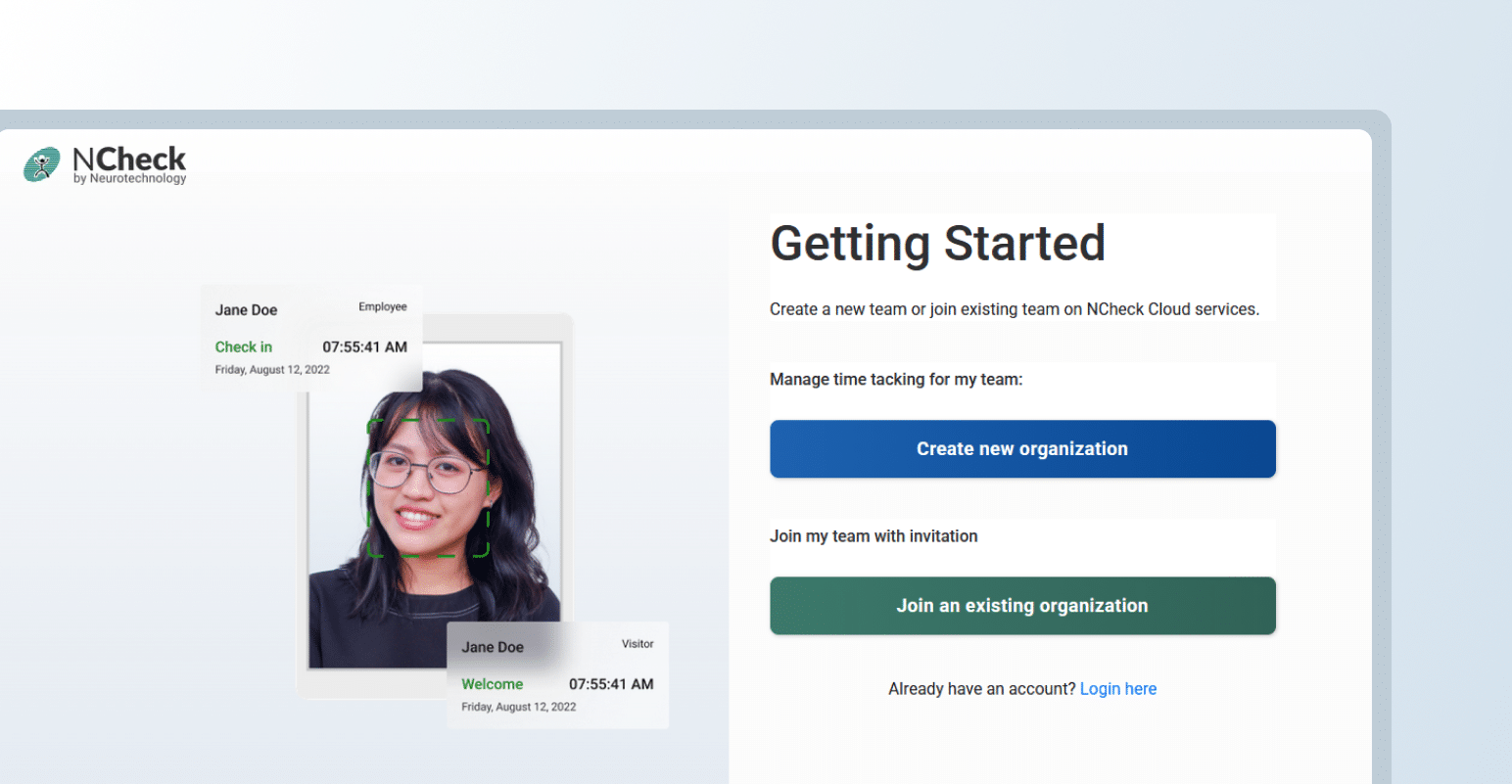
Stage 1 · Account setup
Create account

Create account

Create your free NCheck account to get started.
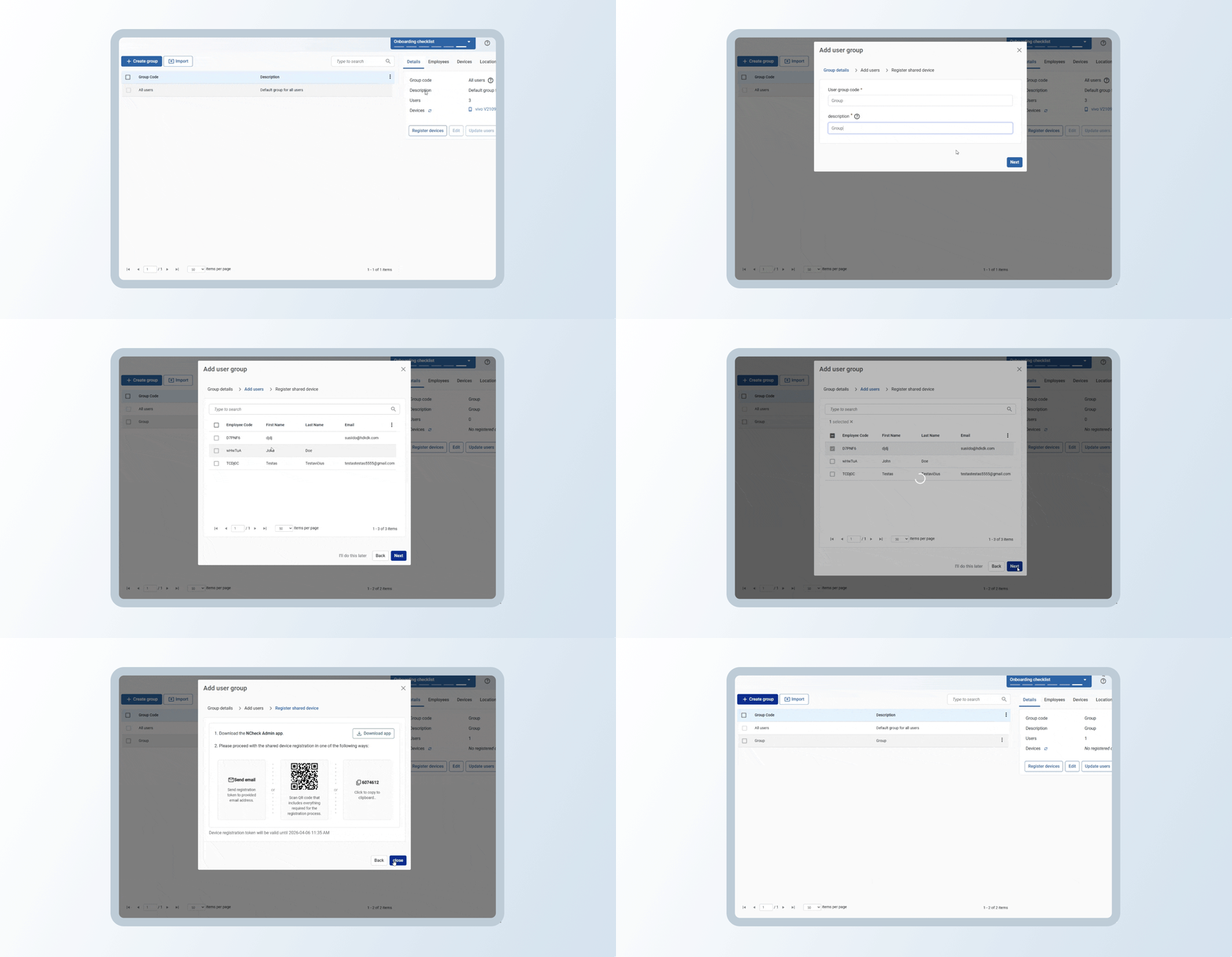
Set up your account

Set up your account

Add users, groups and schedules, and connect devices.
Stage 2 · App registration and use
Download the app

Download the app

Get NCheck Attend for Android or iOS.
Open the app

Open the app

Launch it on the employee’s phone or the shared device.
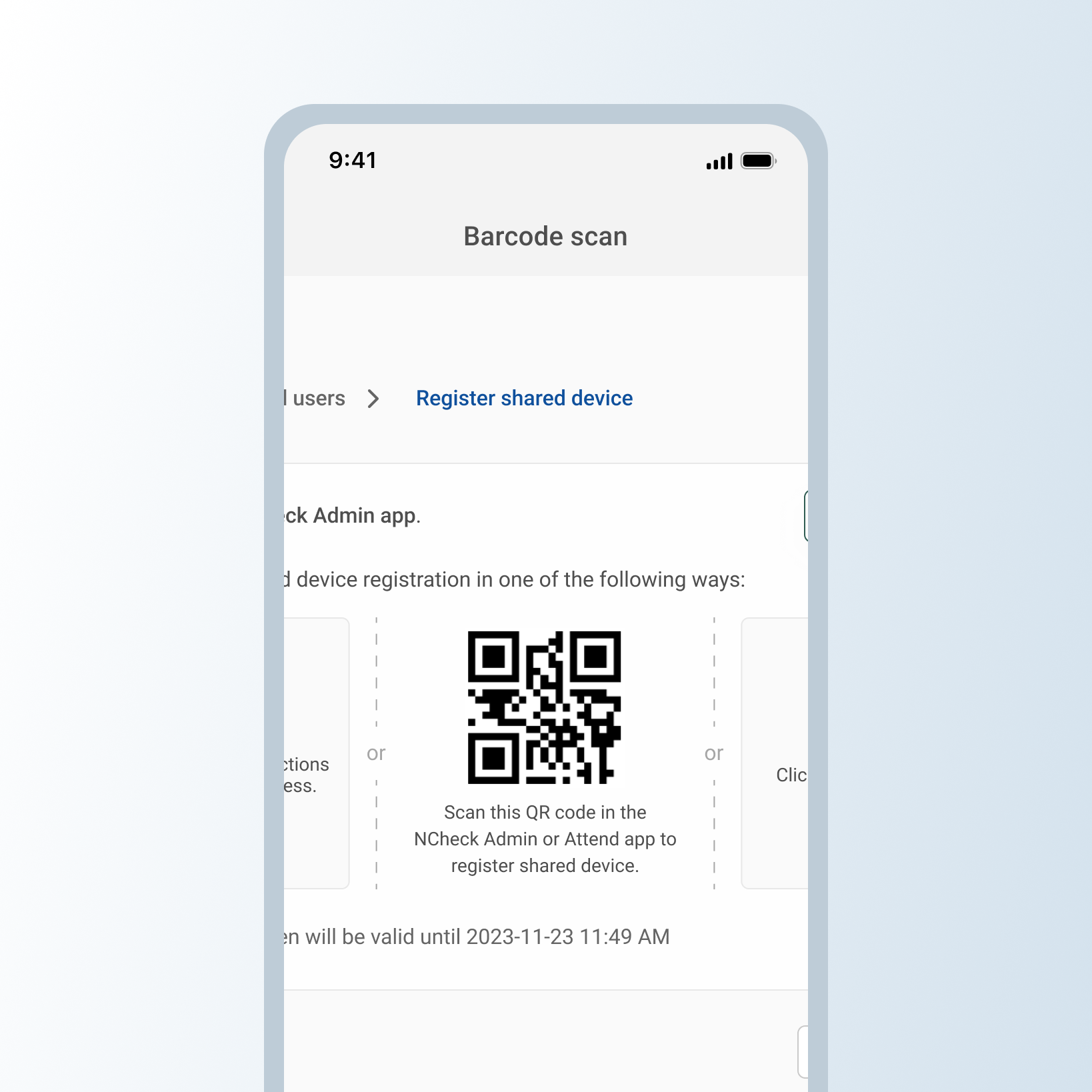
Scan the QR code

Scan the QR code

Connect the device from your web dashboard in one scan.
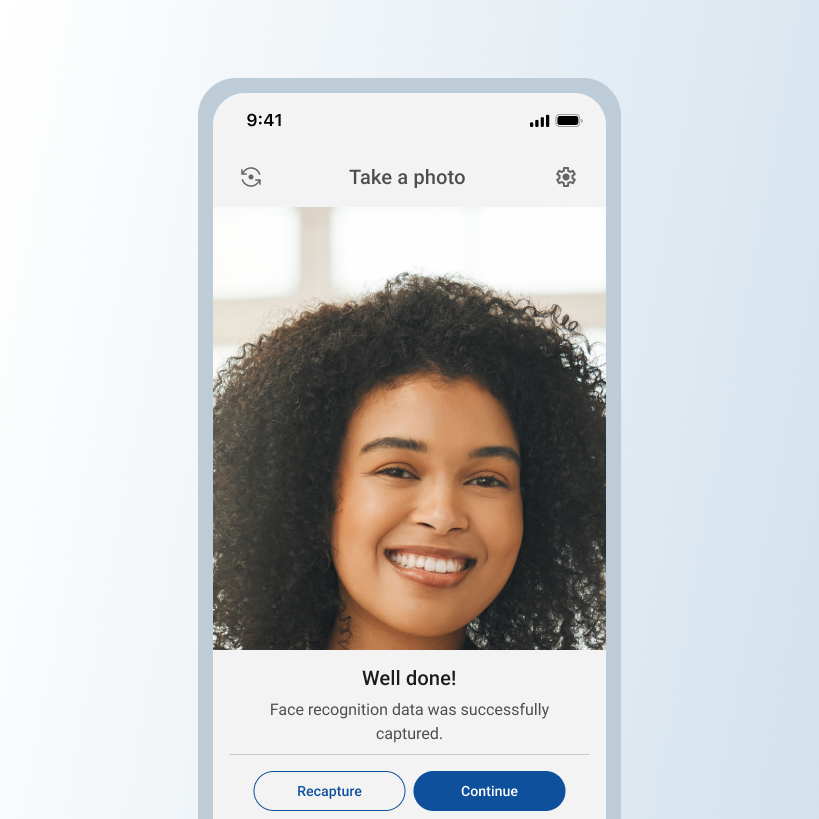
Enrol face

Enrol face

Follow the on-screen prompts to enrol biometrics.
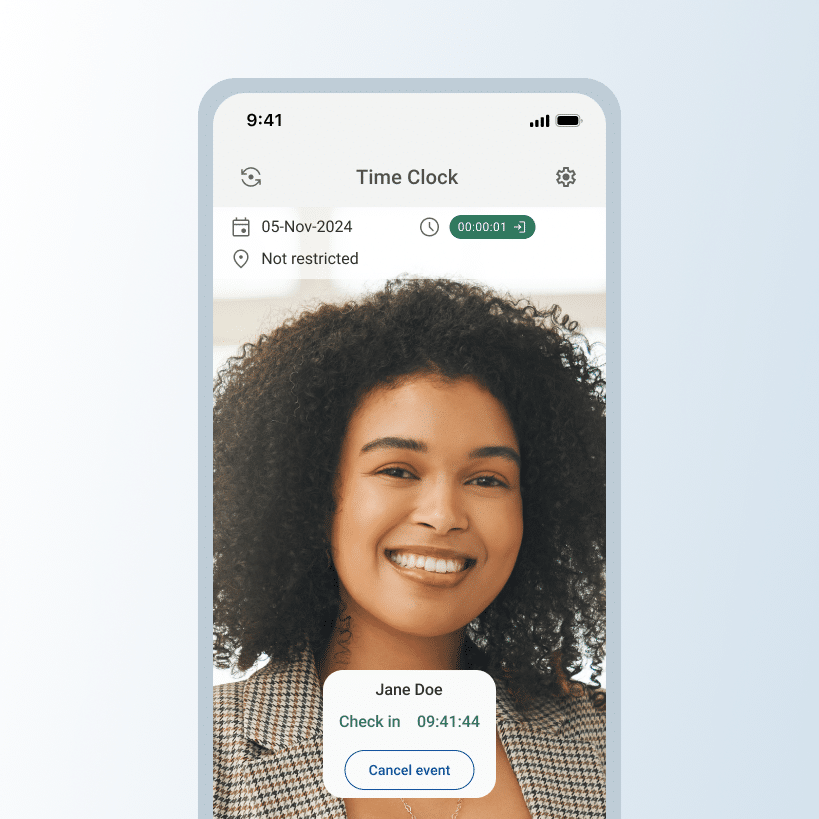
Mark attendance

Mark attendance

Done — staff check in with a glance from now on.

Running on-premises? Our team installs it with you — contact us.

See it working on your own devices

Free forever for up to 10 employees · no hardware required.

Compare plans on the pricing page · see supported devices.

small_c_popup.png

See NCheck in action on your own devices.

Let's talk